
Storage and backup targets
Settings → Storage is the cluster-wide storage policy: where backups ship, what host paths applications may bind, and how long things are kept. Per-node pools are configured elsewhere, on Nodes → Storage.
Status: S3 targets and NAS connections are shipped and verified here against a live cluster. Storage locations are shipped; that section is still being written.
The page has five tabs.
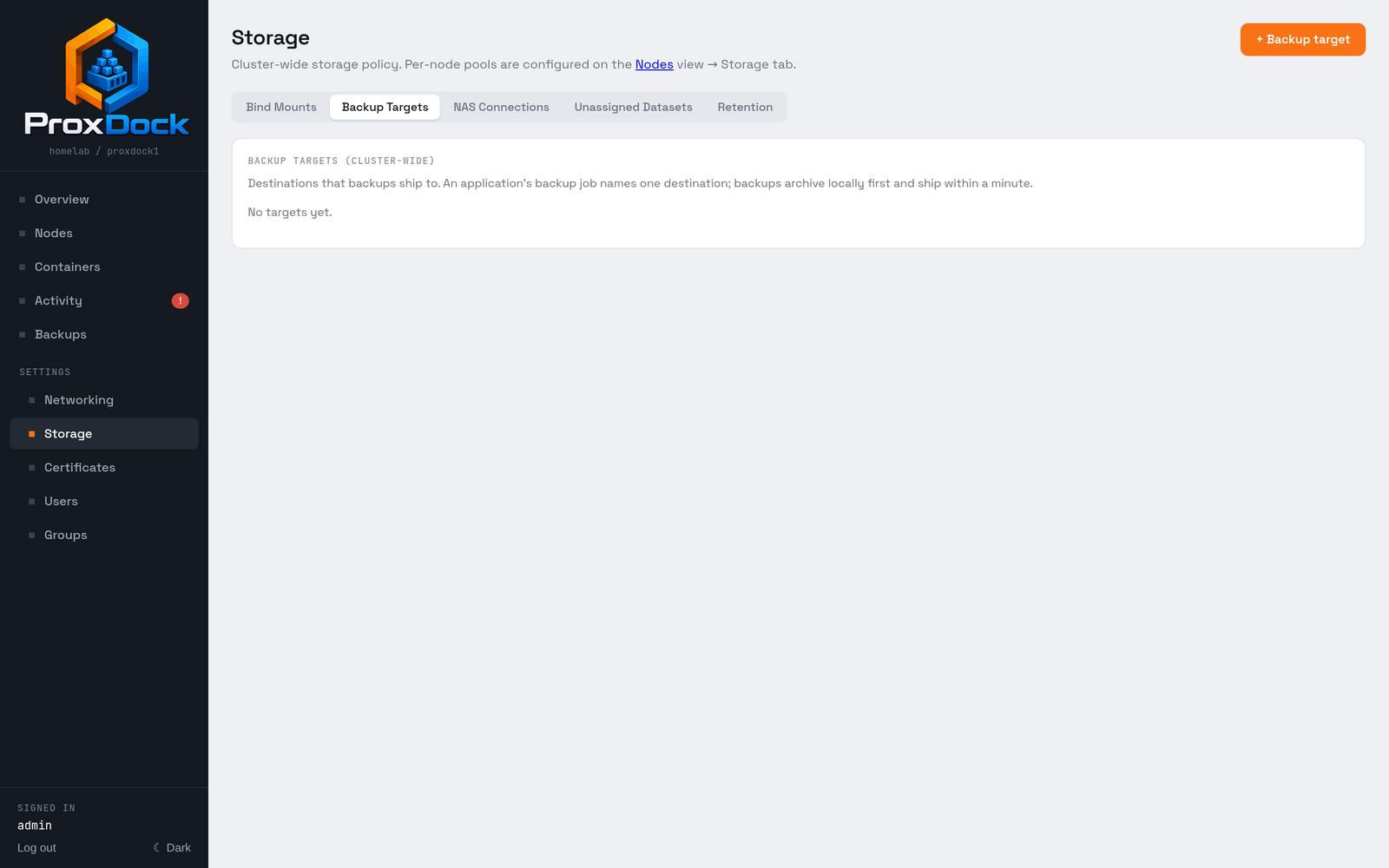
| Tab | What it holds |
|---|---|
| Bind Mounts | Named host paths containers mount directly. Not included in backups |
| Backup Targets | Destinations backups ship to |
| NAS Connections | SMB and NFS shares ProxDock mounts on every node |
| Unassigned Datasets | Datasets left behind by deletes and migrations |
| Retention | How long each kind of leftover is kept |
Adding an S3 target
+ Backup target asks what kind of destination first.
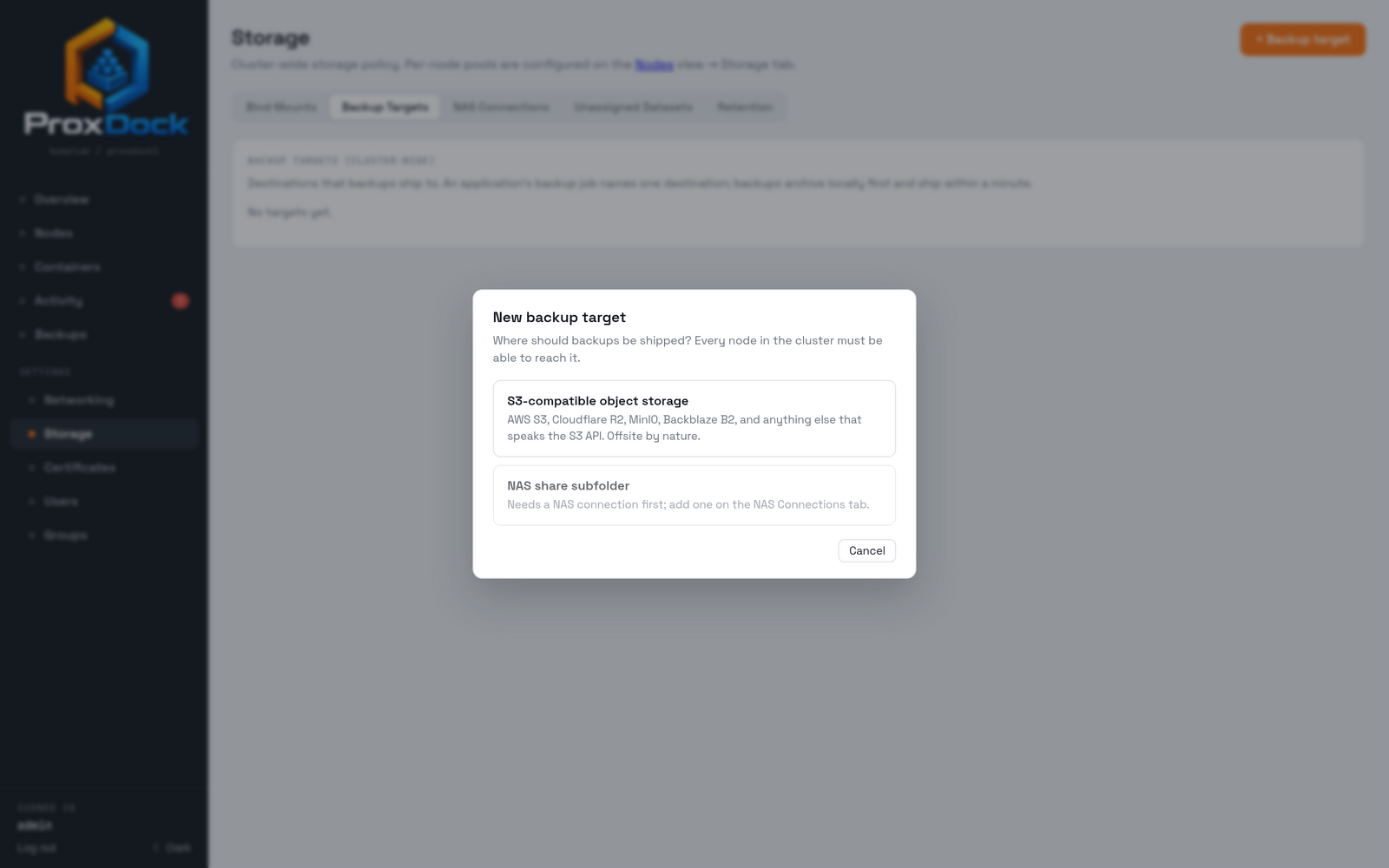
S3 covers anything that speaks the S3 API. The provider dropdown carries the handful ProxDock knows the quirks of, plus a generic option.
| Provider | |
|---|---|
aws |
Amazon S3 |
r2 |
Cloudflare R2 |
gcs |
Google Cloud Storage |
minio |
MinIO / self-hosted |
generic |
Other S3-compatible |
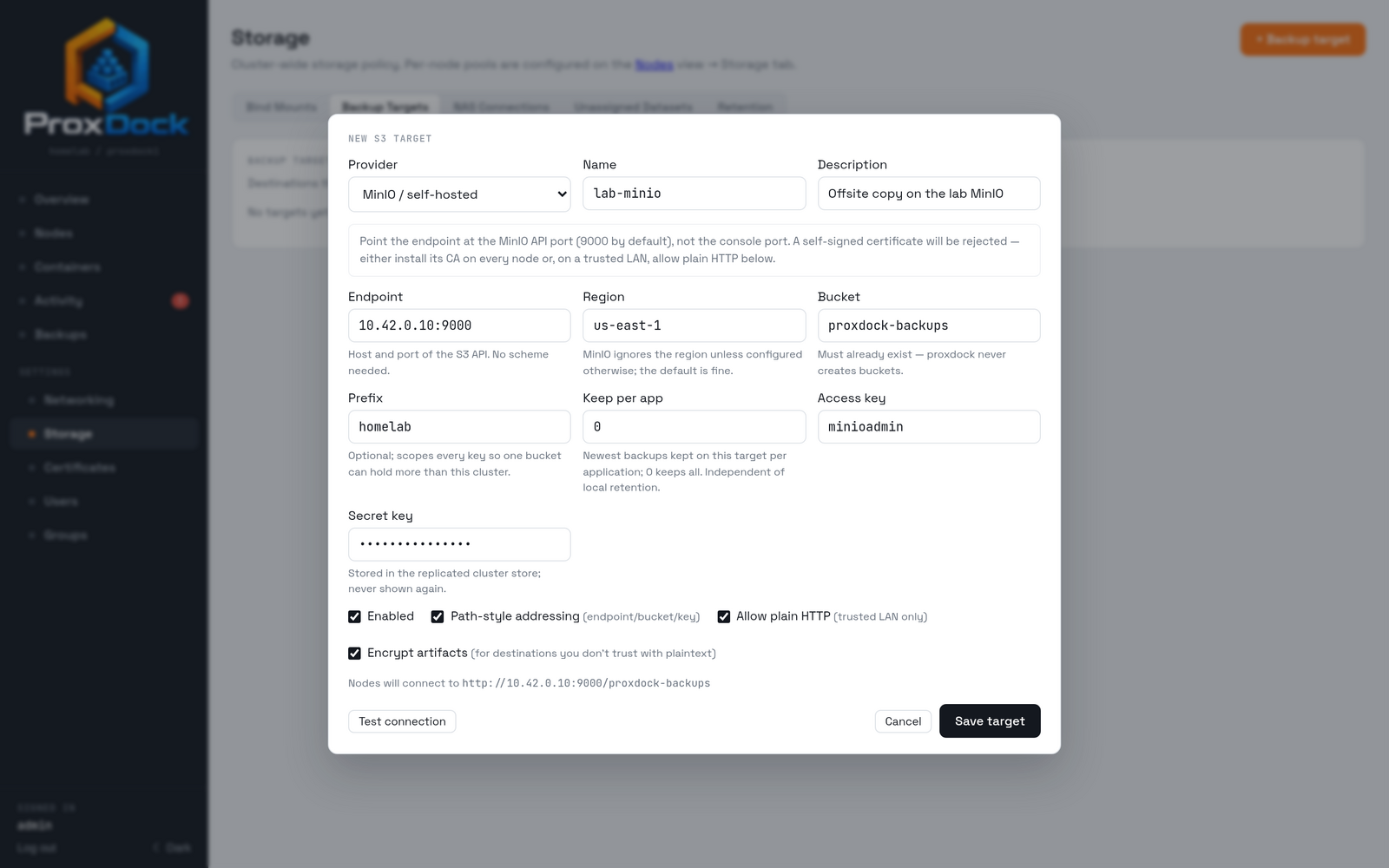
A few fields worth understanding:
- Bucket must already exist. ProxDock never creates buckets.
- Prefix scopes every key, so one bucket can hold more than one cluster.
Objects land at
<prefix>/<cluster>/<app>/<file>. - Path-style addressing suits MinIO and most self-hosted gateways. Hosted providers generally want it off.
- Allow plain HTTP exists for a trusted LAN. A self-signed certificate is rejected outright, so the alternative is installing that CA on every node.
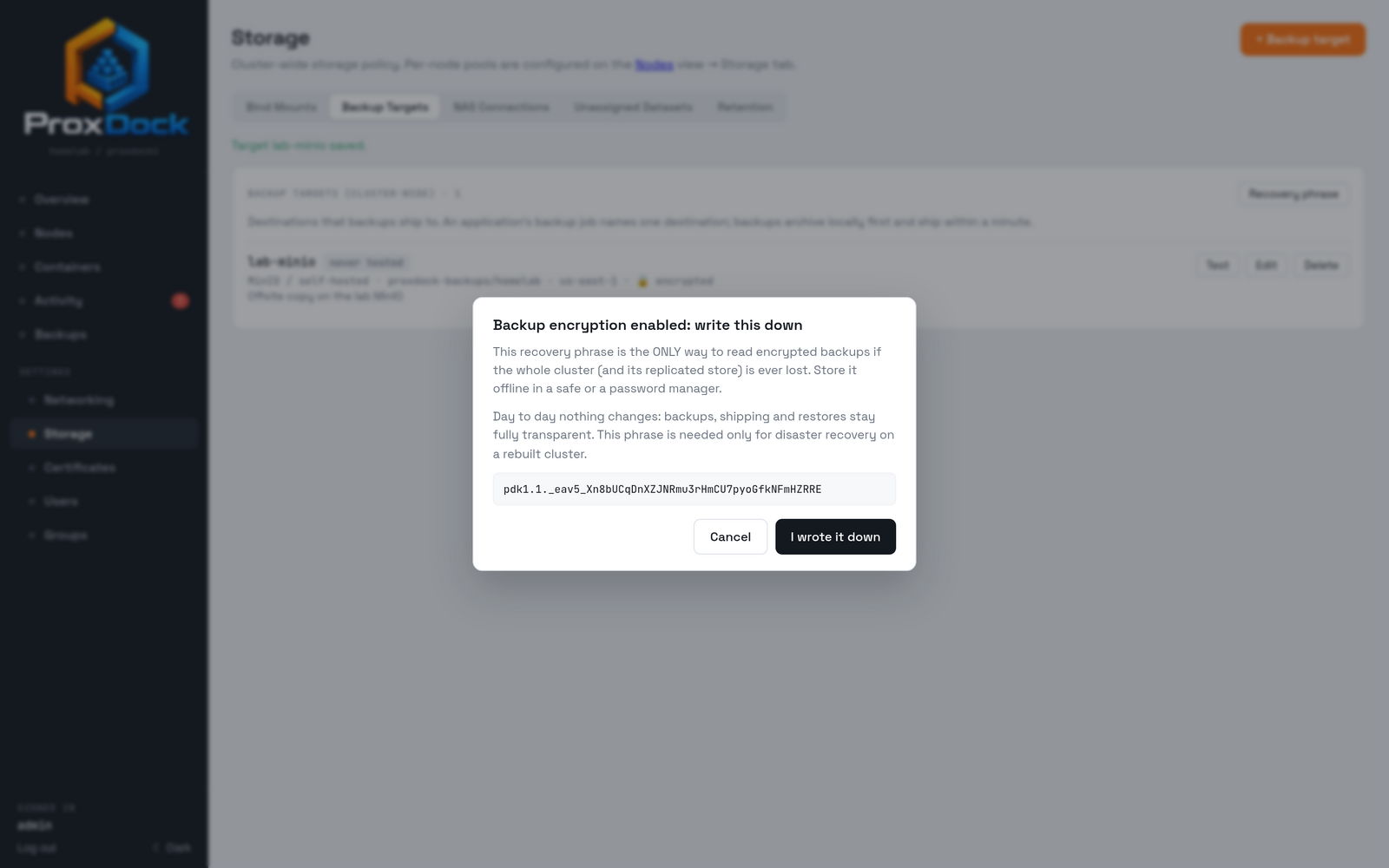
- Encrypt artifacts seals what leaves the host. See Backups and restore for the format and the recovery phrase.
Test before you save
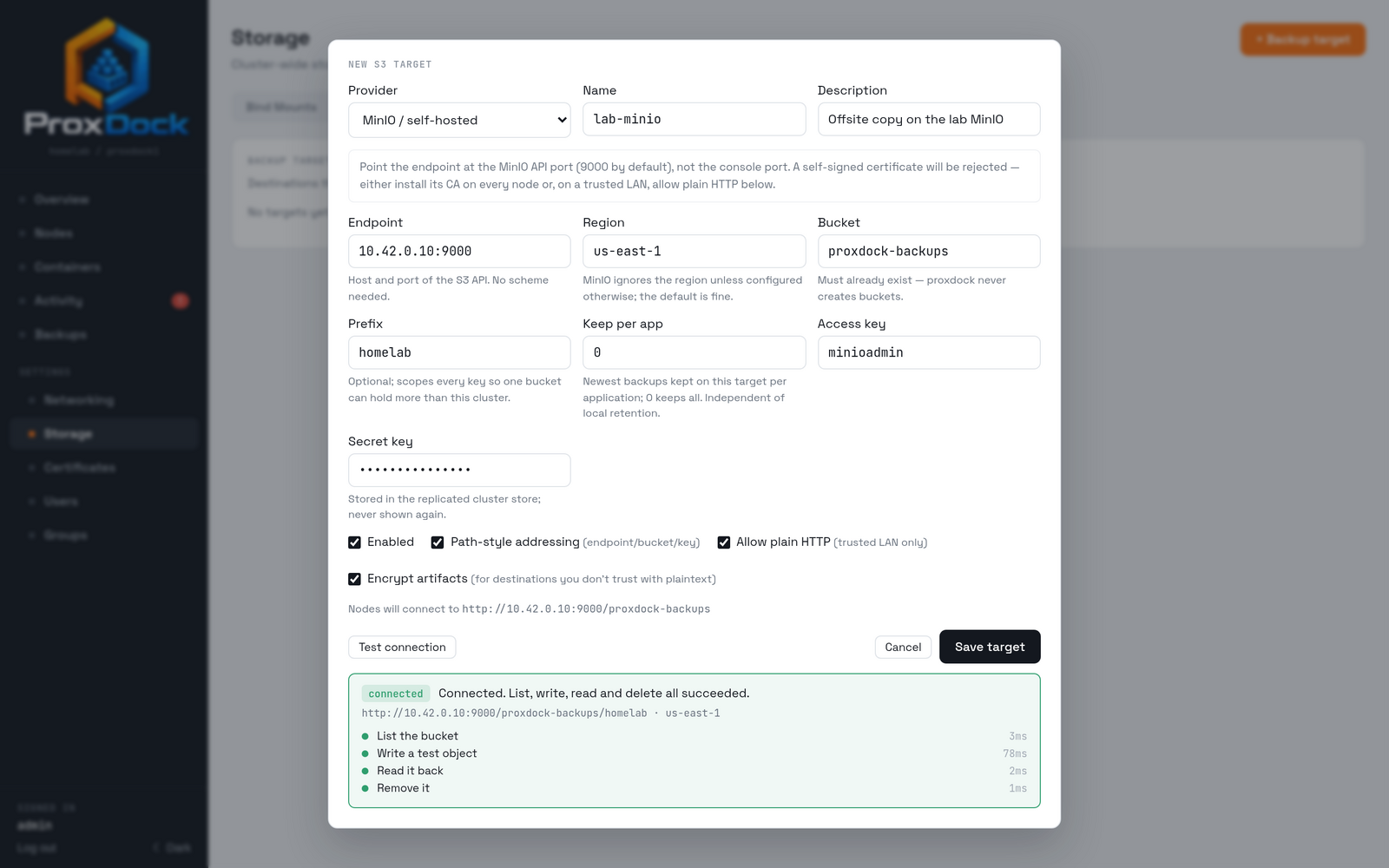
Test connection does not just open a socket. It lists the bucket, writes an object, reads it back and deletes it, and times each step.
NAS connections
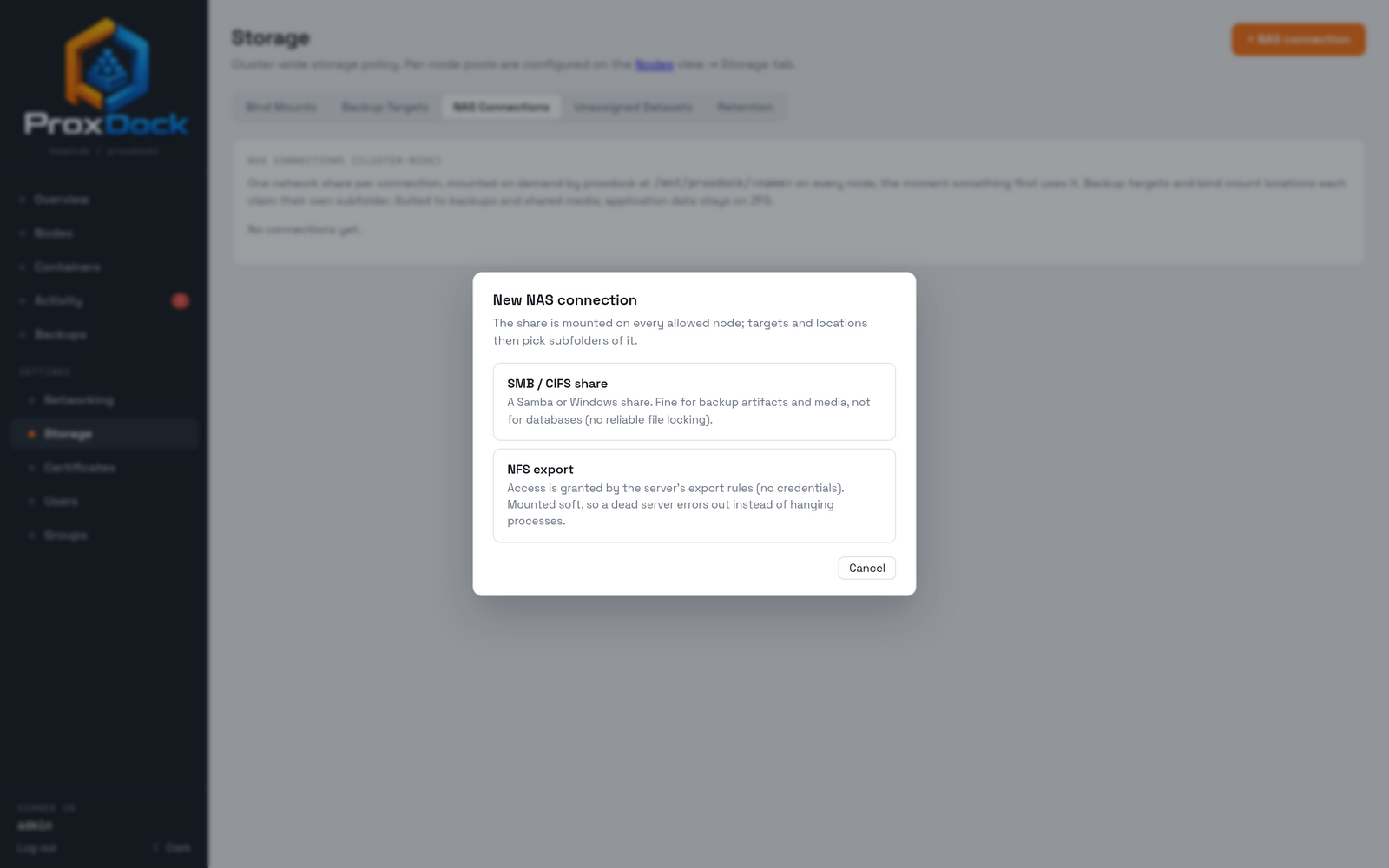
A NAS connection is a share ProxDock mounts on the nodes you choose. It is defined once, cluster-wide, and each node mounts it at the same path, so an application that moves between nodes finds its files where it left them.
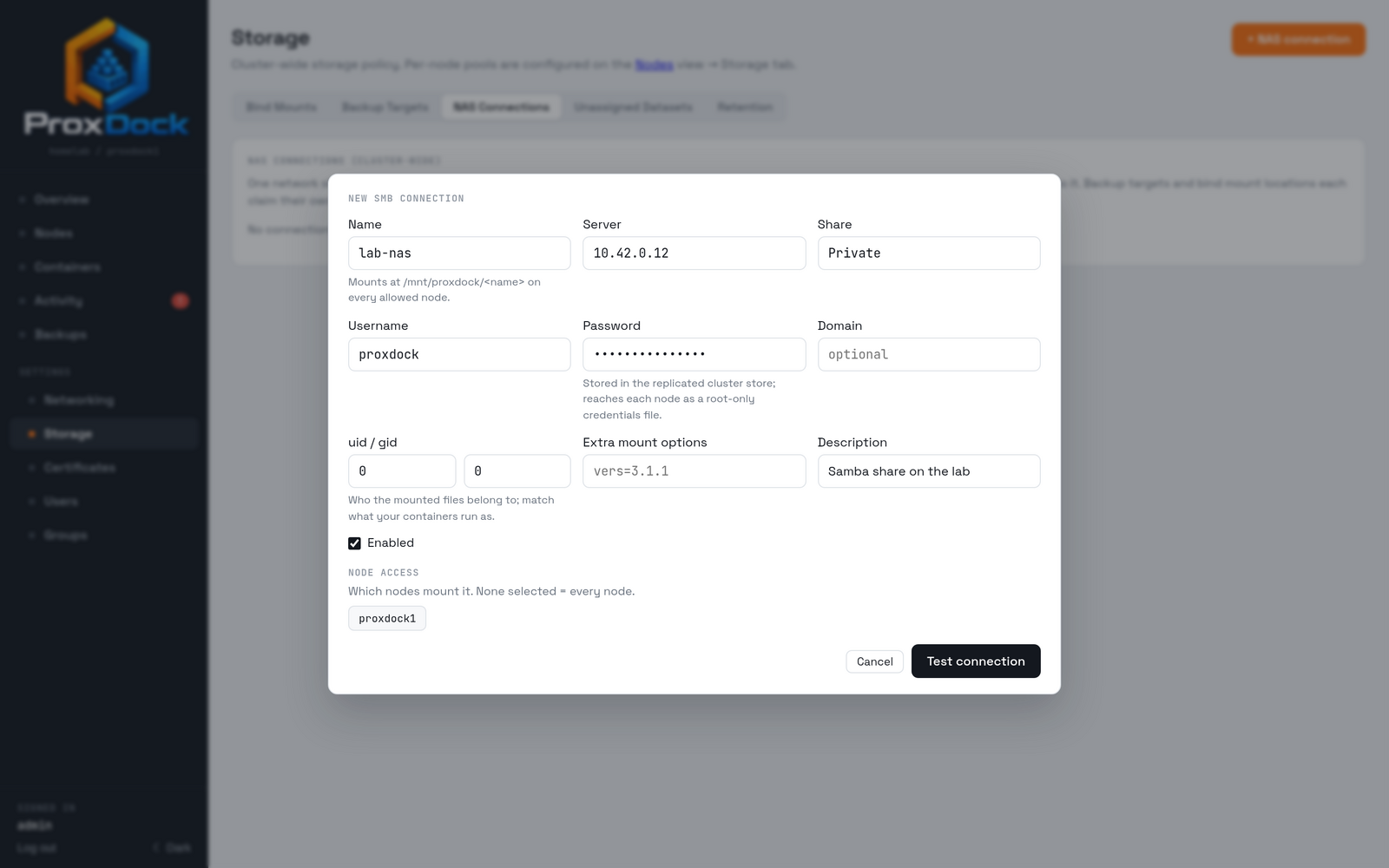
Credentials are stored in the replicated cluster store and reach each node as a root-only credentials file, never on a command line.
Test connection mounts it for real before you commit to it.
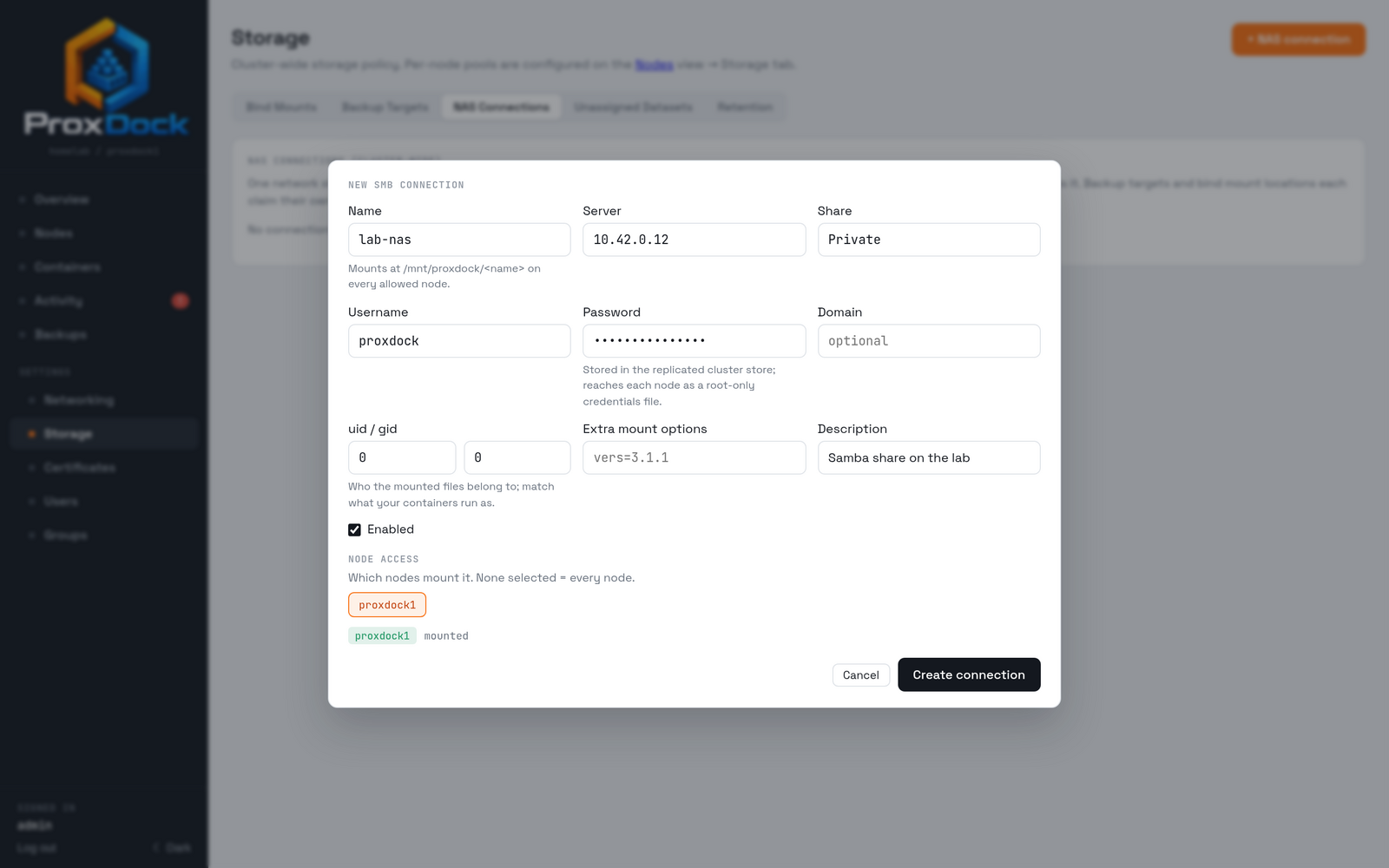
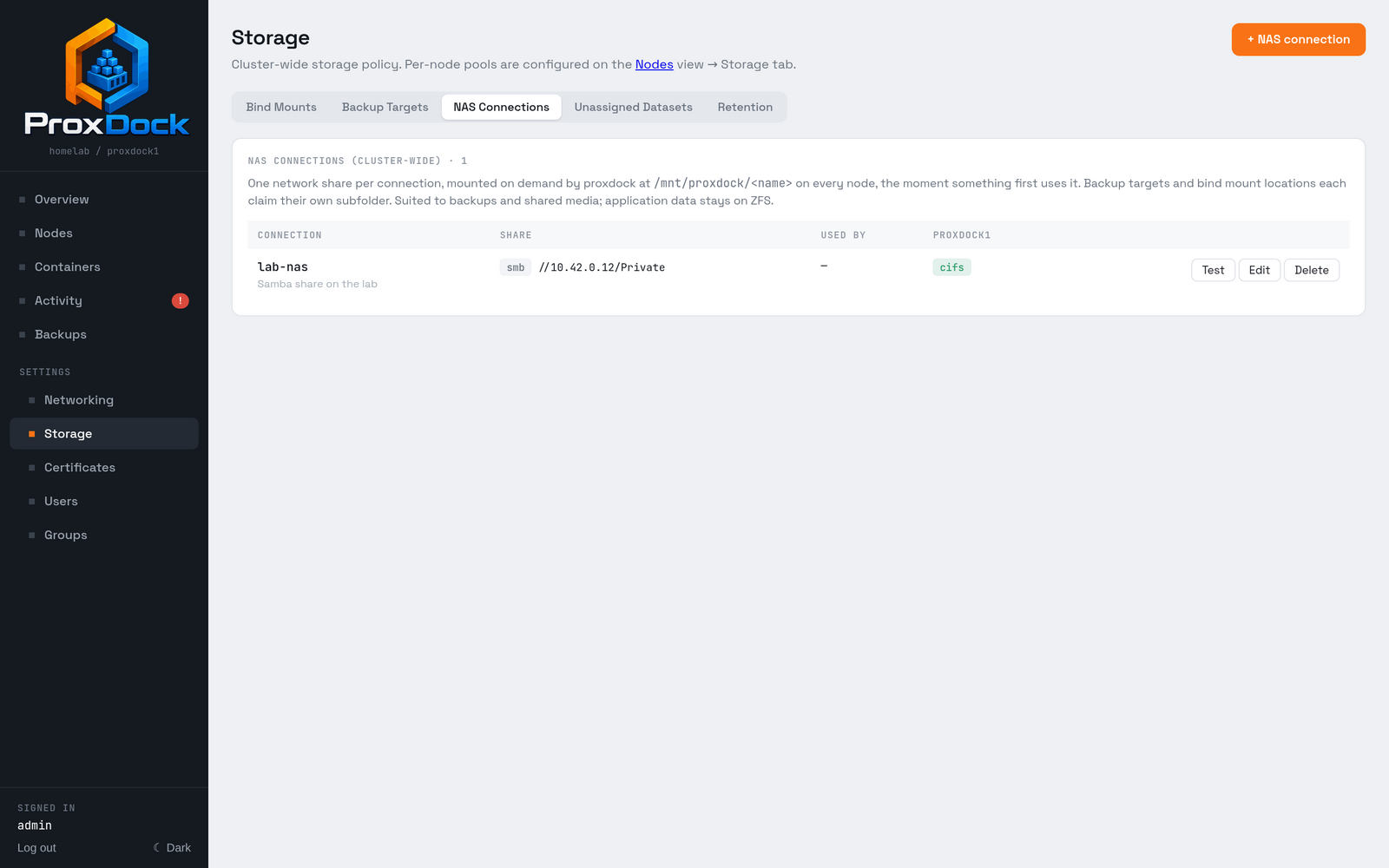
Mounted at /mnt/proxdock/<name> on every node that has it selected.
Using one as a backup target
Once a connection exists, a backup target can point at a subfolder of it.
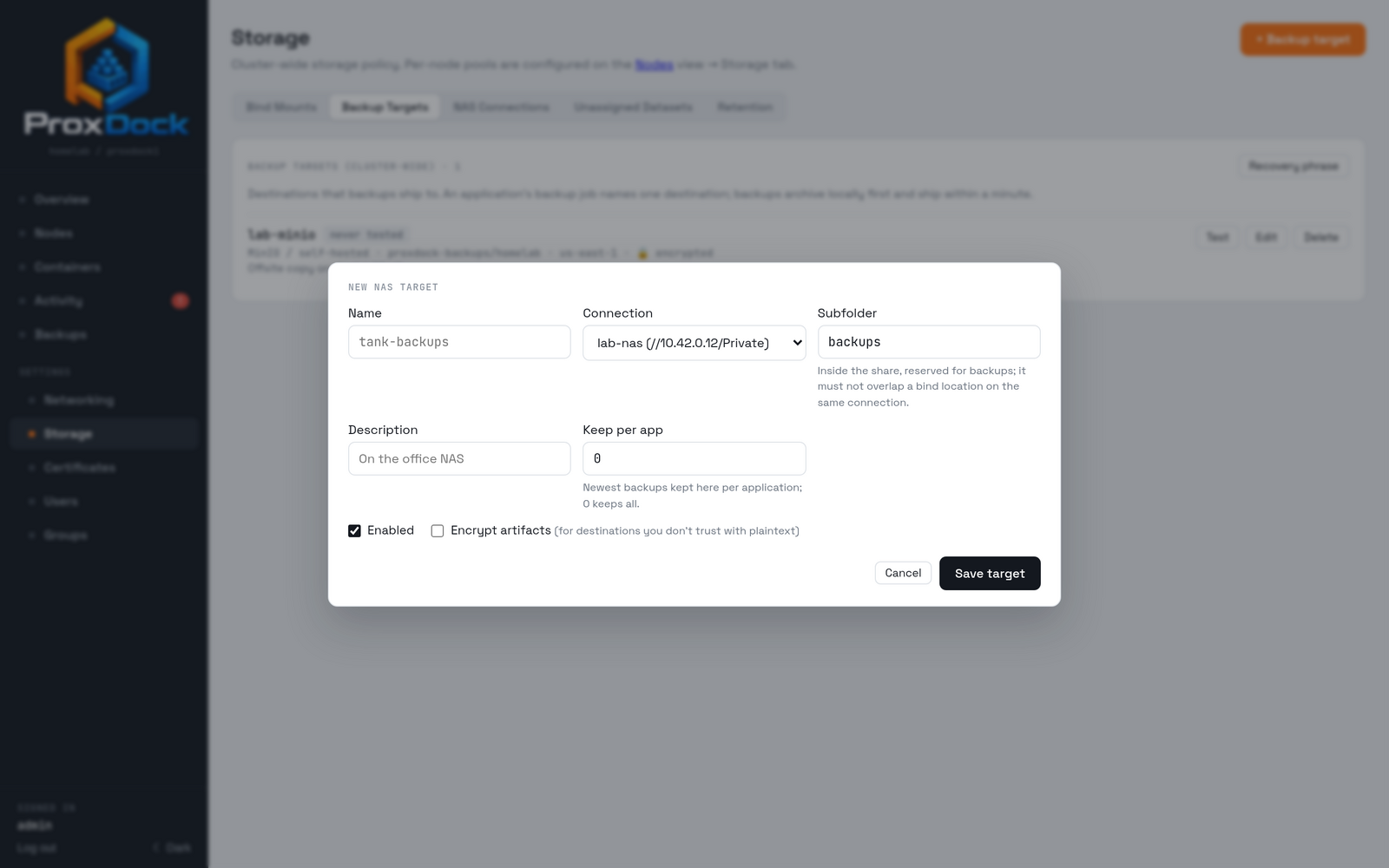
A NAS target is a filesystem path rather than an object store, so shipping is a copy rather than an upload, and the same per-destination retention applies.
Sending a backup to it
A destination can be pinned on a single manual backup, or set as the application's policy so every backup goes there.
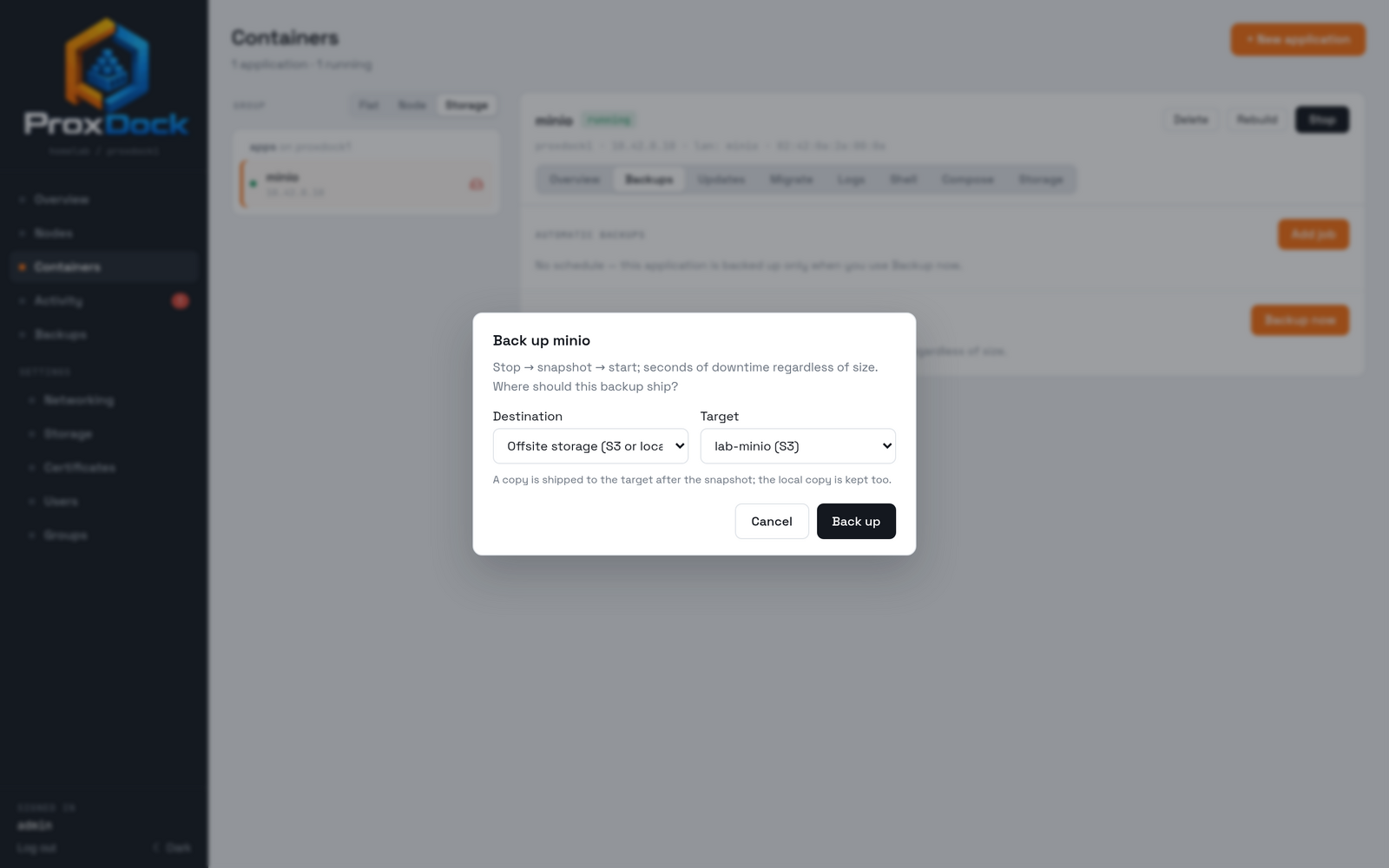
Scheduled backups use the application's job instead.
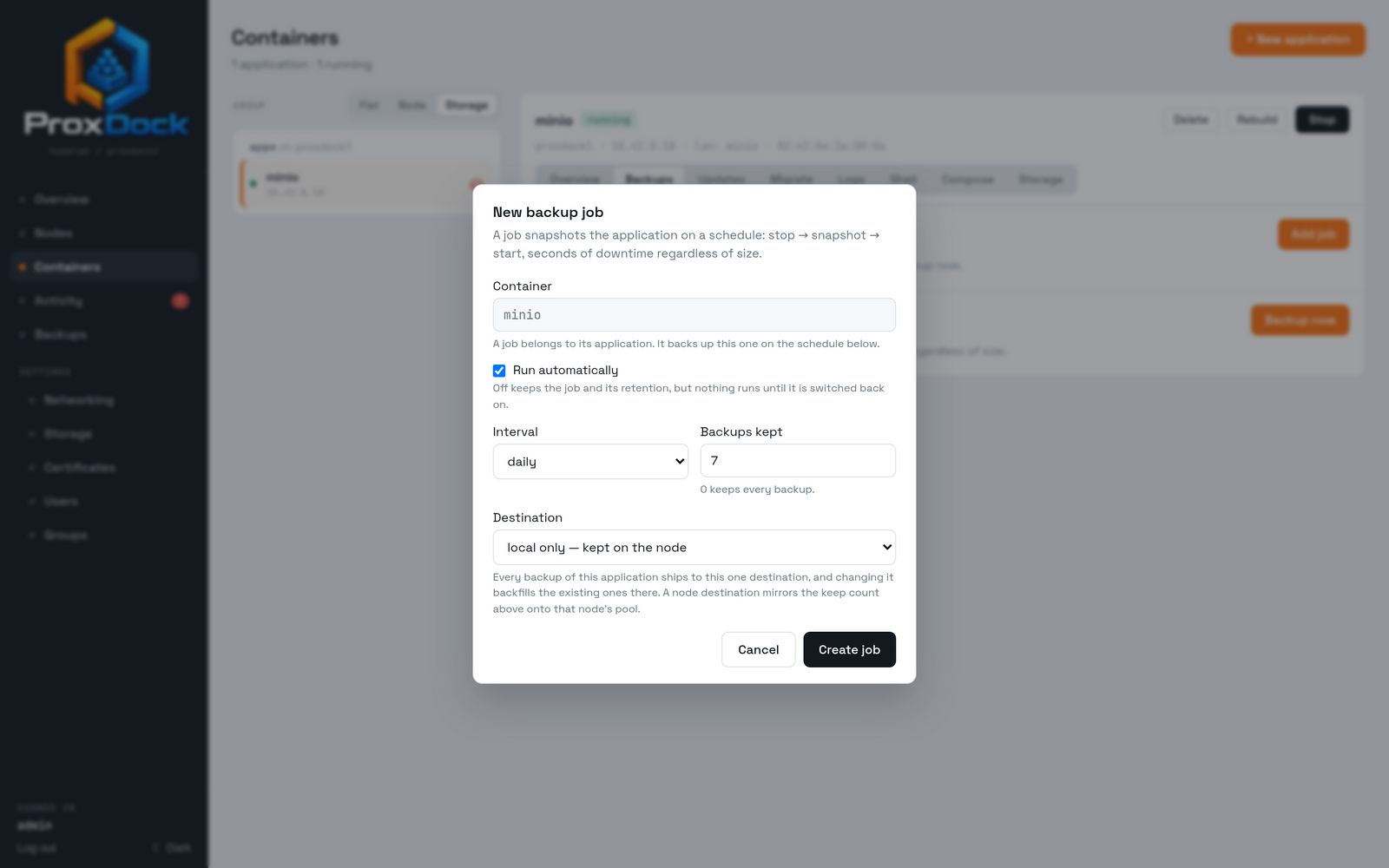
Backups archive locally first and the shipper picks them up within a minute, so a slow upload never holds up the snapshot or the application.
Where to go next
- Backups and restore: what a backup is, encryption, restoring
- Deploying an application: getting something to back up